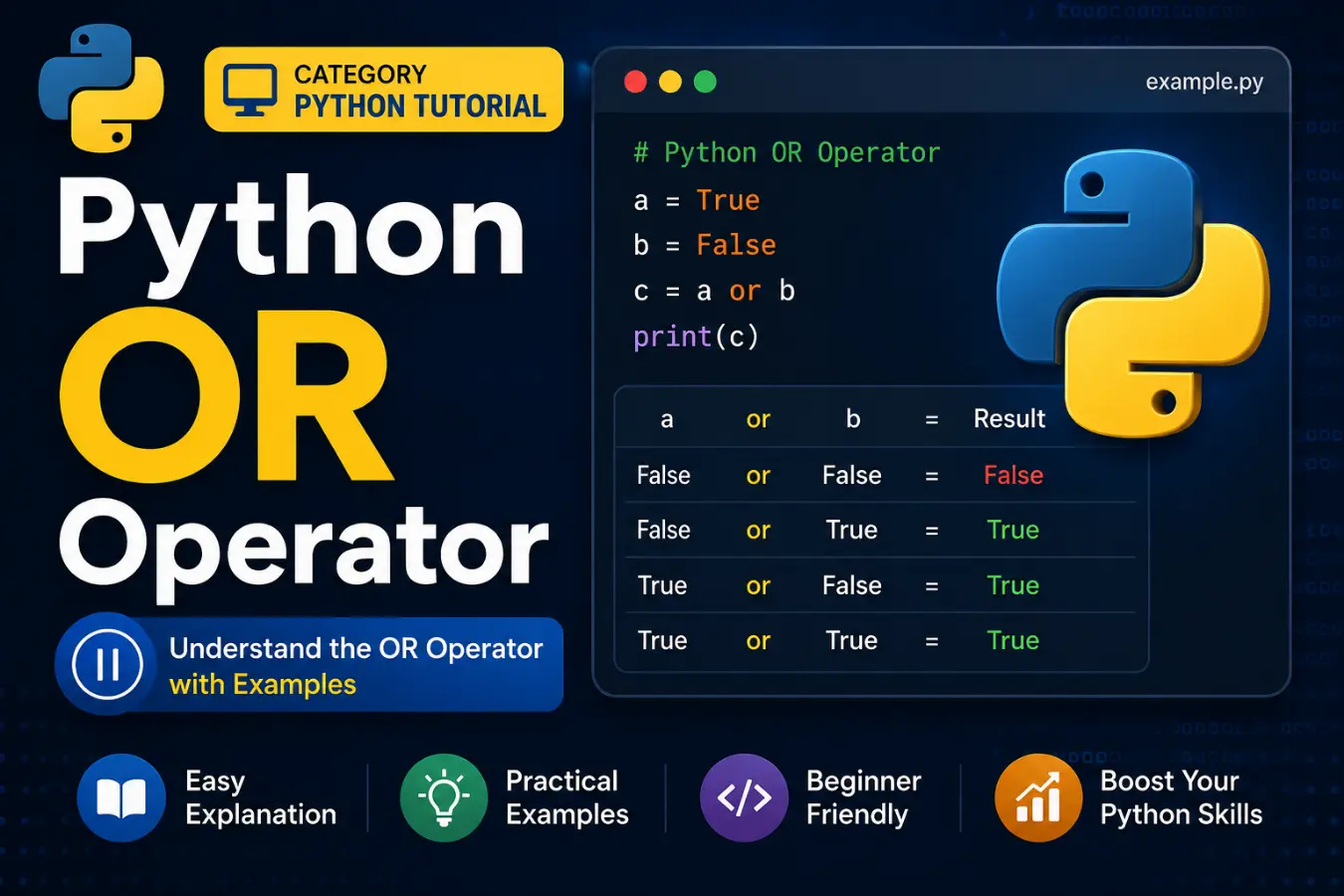
Python OR operator is one of the most useful operators in Python programming. It helps you check multiple conditions at the same time. If at least one condition is true, the OR operator returns true.
Many beginners struggle to understand how this operator works. However, it becomes easy once you see a few examples.
The Python OR operator appears in many real programs. Developers use it for login systems, form validation, search filters, and decision-making tasks.
In this guide, you will learn the meaning, syntax, examples, common mistakes, and best practices. By the end, you will know exactly when and how to use the Python OR operator.
Quick Summary Box
- Python OR operator: or
- Used to combine two or more conditions
- Returns True if at least one condition is true
- Returns False only when all conditions are false
- Commonly used in if statements
- Supports short-circuit evaluation
- Improves code readability
- Essential for decision-making logic
What Is the Python OR Operator?
The Python OR operator is a logical operator.
It evaluates multiple conditions and returns a result based on truth values.
Syntax
condition1 or condition2
Example
age = 20
if age > 18 or age == 18:
print(“You can vote”)
Output:
You can vote
The statement becomes true because one condition is true.
How the Python OR Operator Works
The OR operator checks conditions from left to right.
It returns True when at least one condition is true.
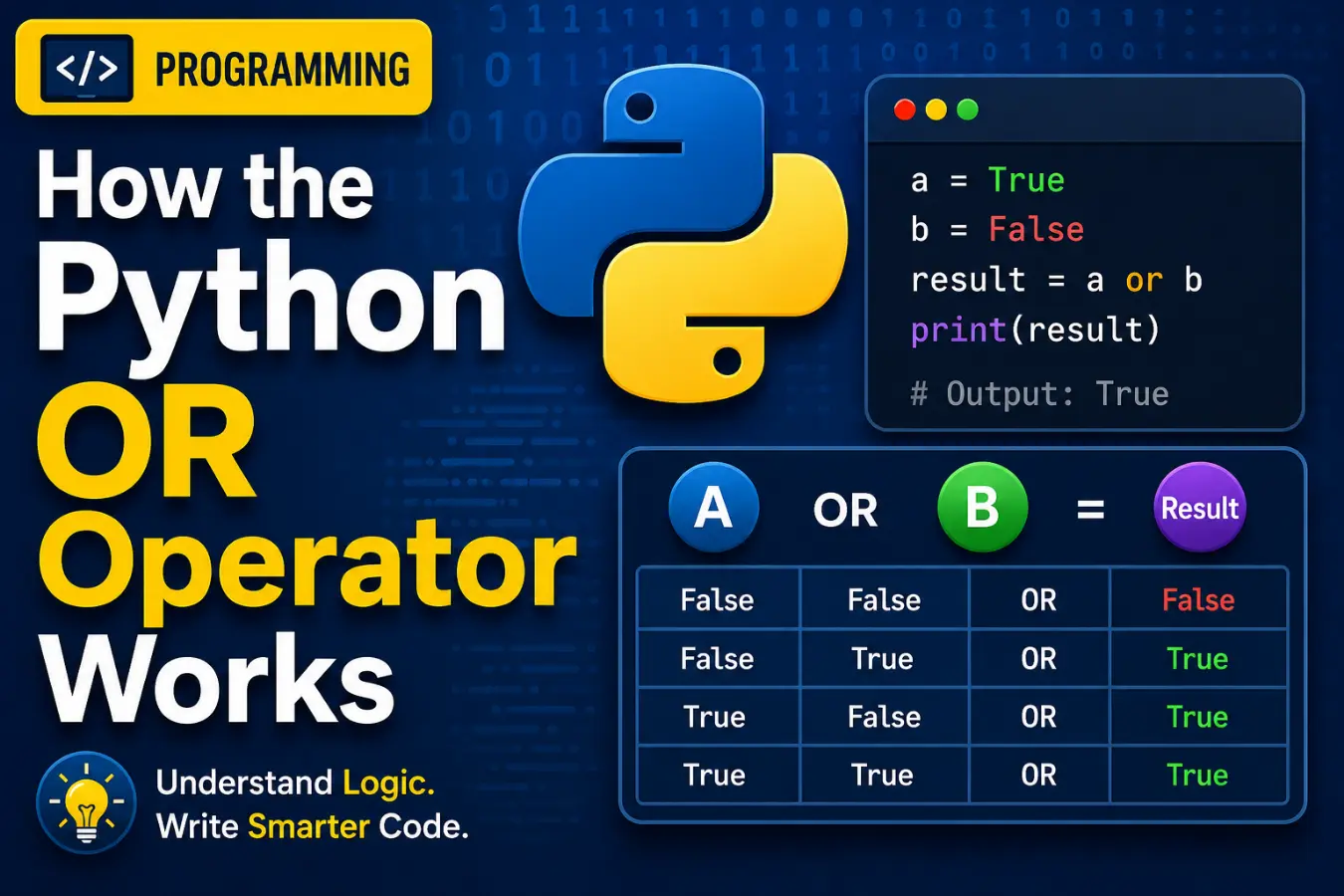
Truth Table
| Condition A | Condition B | Result |
| True | True | True |
| True | False | True |
| False | True | True |
| False | False | False |
This table shows the basic behavior of the Python OR operator.
Python OR Operator in Simple Words
Think about a student passing an exam.
A student can pass if:
- They score above 50
- Or they receive special approval
Example:
score = 45
special_approval = True
if score > 50 or special_approval:
print(“Passed”)
Output:
Passed
Even though the score is low, the second condition is true.
What Are the 7 Operators in Python?
Python operators are special symbols or keywords that perform operations on values and variables. They help you calculate numbers, compare values, combine conditions, and assign data.
Python has seven main types of operators:
| Operator Type | Purpose | Examples |
| 1. Arithmetic Operators | Perform mathematical calculations | +, -, *, / |
| 2. Comparison Operators | Compare two values | ==, !=, >, < |
| 3. Logical Operators | Combine conditions | and, or, not |
| 4. Assignment Operators | Assign or update values | =, +=, -= |
| 5. Identity Operators | Check object identity | is, is not |
| 6. Membership Operators | Check whether a value exists in a sequence | in, not in |
| 7. Bitwise Operators | Work with individual binary bits | &, ` |
Basic Python OR Operator Examples
Example 1: Checking Age
age = 65
if age < 18 or age > 60:
print(“Special discount available”)
Example 2: Checking Weather
weather = “rainy”
if weather == “rainy” or weather == “stormy”:
print(“Take an umbrella”)
Example 3: User Access
role = “admin”
if role == “admin” or role == “manager”:
print(“Access granted”)
These examples show how OR simplifies multiple checks.
Python OR Operator with Boolean Values
The OR operator works directly with Boolean values.
print(True or False)
Output:
True
Another example:
print(False or False)
Output:
False
Boolean operations are common in decision-making code.
Python OR Operator vs AND Operator
Many beginners confuse OR and AND.
Comparison Table
| Feature | OR Operator (or) | AND Operator (and) |
| Returns True when | At least one condition is true | All conditions are true |
| Flexibility | More flexible | More restrictive |
| Common Use | Alternative conditions | Required conditions |
| Example | Age < 18 OR Age > 60 | Age > 18 AND Age < 60 |
Example
print(True or False)
Output:
True
print(True and False)
Output:
False
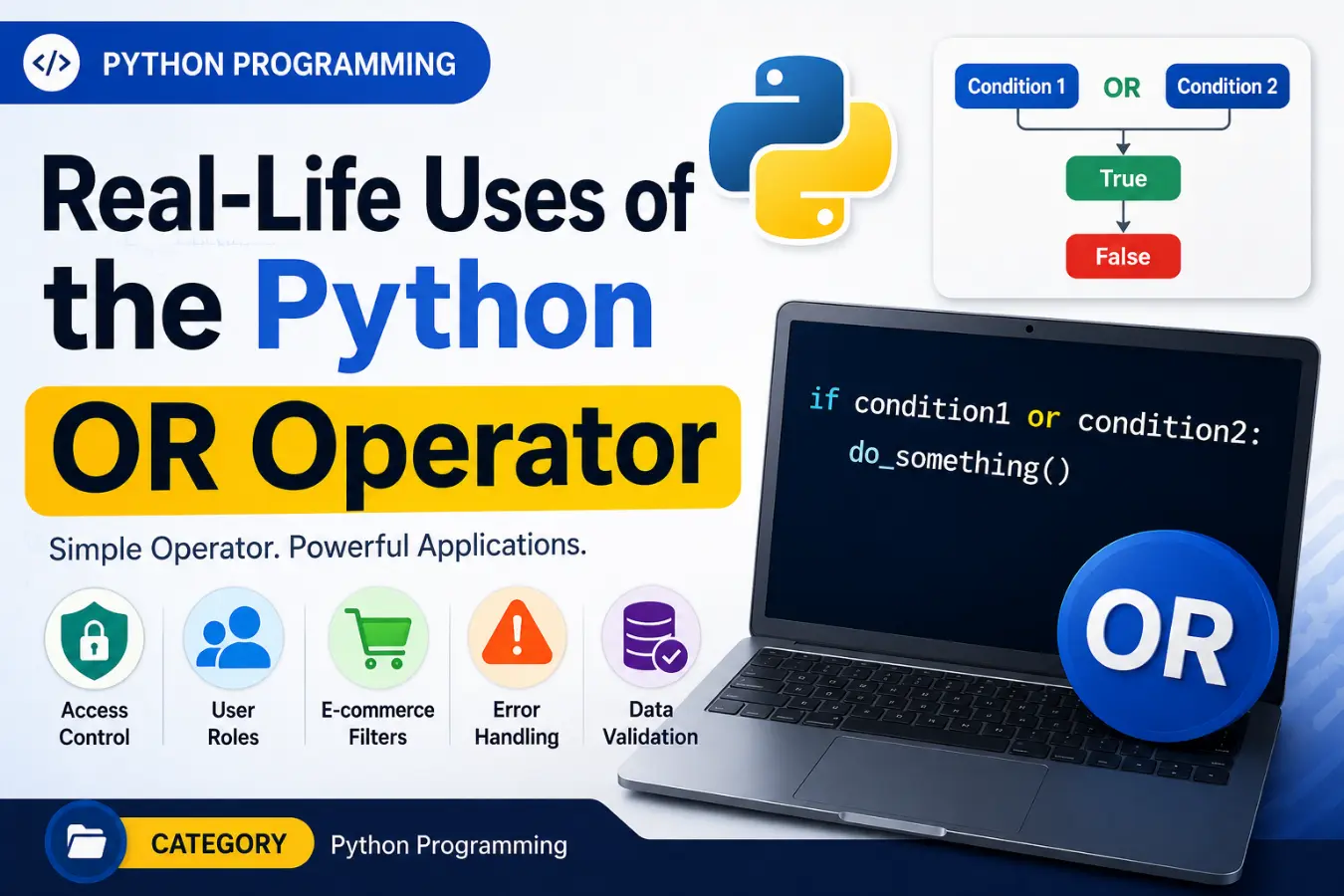
Real-Life Uses of the Python OR Operator
The Python OR operator appears in many everyday applications.
Login Systems
if username == “admin” or email == “admin@example.com”:
print(“Admin access”)
Search Filters
if category == “books” or category == “ebooks”:
print(“Show results”)
Discount Eligibility
if age < 18 or age > 60:
print(“Discount applied”)
These situations require checking multiple possibilities.
Understanding Short-Circuit Evaluation
Python uses a feature called short-circuit evaluation.
When Python finds a true condition, it stops checking the rest.
Example
x = 10
if x > 5 or x / 0:
print(“Condition met”)
Output:
Condition met
Python never evaluates x / 0.
The first condition is already true.
This feature improves performance and prevents errors.
Using Python OR Operator with Non-Boolean Values
The OR operator also works with strings, numbers, and objects.
Example
name = “” or “Guest”
print(name)
Output:
Guest
Python returns the first truthy value.
Another example:
value = None or 0 or 100
print(value)
Output:
100
This behavior is useful for default values.
Common Mistakes When Using the Python OR Operator
Many beginners make similar mistakes.
Mistake 1: Repeating Conditions Incorrectly
Wrong:
if color == “red” or “blue”:
This always returns true.
Correct:
if color == “red” or color == “blue”:
Mistake 2: Using OR Instead of AND
Wrong:
if age > 18 or age < 60:
Correct:
if age > 18 and age < 60:
Mistake 3: Forgetting Parentheses
Complex conditions become harder to read.
Better:
if (age > 18 or member) and active:
Clear code reduces errors.
Tips and Tricks for Using the Python OR Operator
Keep Conditions Simple
Use readable conditions.
if is_admin or is_manager:
Use Parentheses
Group complex logic.
if (premium or trial) and active:
Combine with Functions
if is_logged_in() or is_admin():
Test Edge Cases
Check all possible outcomes before deployment.
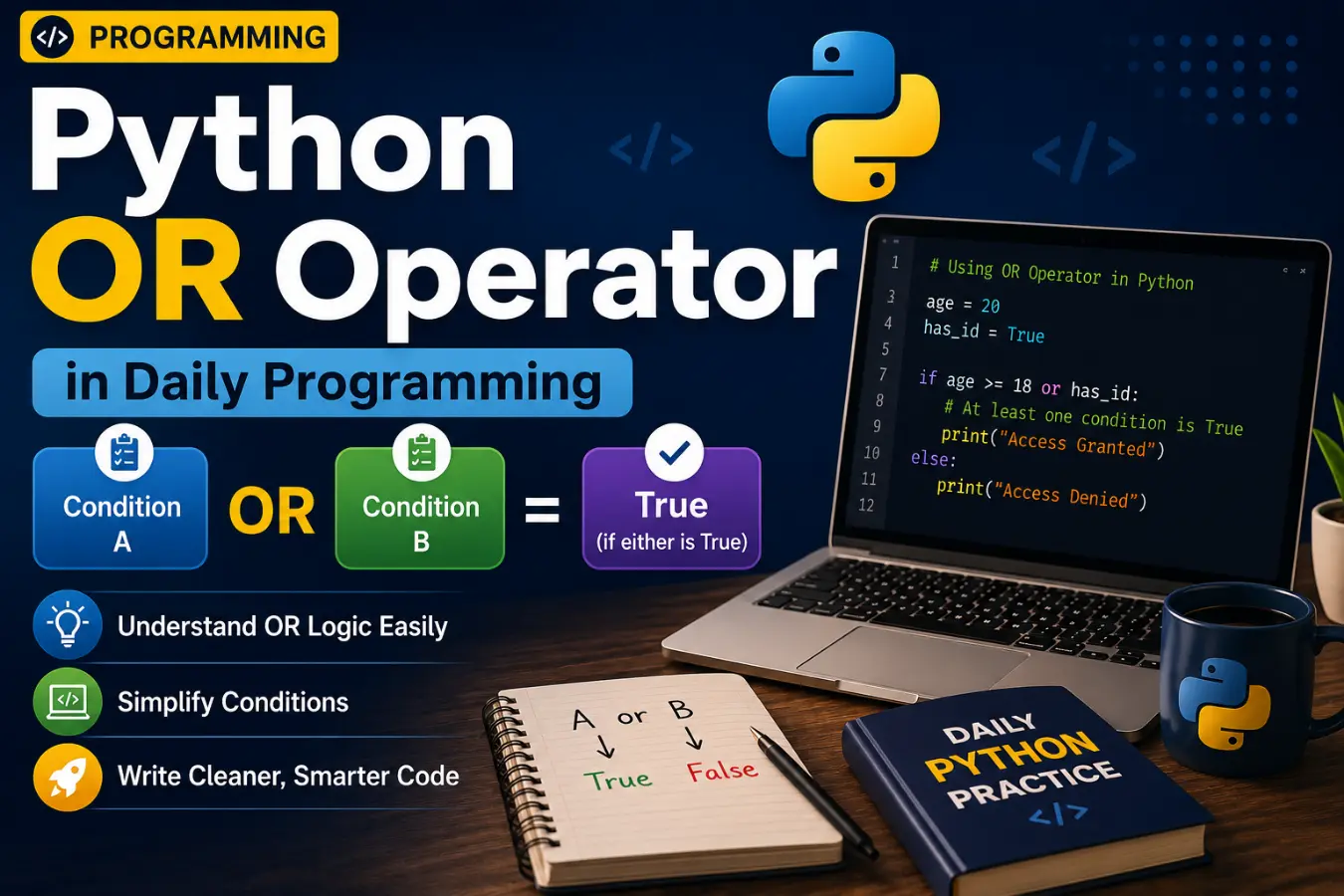
Python OR Operator in Daily Programming
Developers use the OR operator every day.
Form Validation
if email == “” or password == “”:
print(“Fill all fields”)
Online Shopping
if coupon_valid or premium_member:
print(“Discount applied”)
School Management
if grade == “A” or grade == “B”:
print(“Eligible”)
These examples show practical uses.
Expert Insights: Why the Python OR Operator Matters
The OR operator improves flexibility in code.
Experienced developers use it to simplify decision-making.
Benefits include:
- Cleaner code structure
- Better readability
- Easier maintenance
- Faster condition evaluation
- Reduced code duplication
Understanding logical operators is a core Python skill. It helps you write smarter and more efficient programs.
Frequently Asked Questions (FAQs)
What is the OR operator in Python?
The OR operator is or. It returns true when at least one condition is true.
What is the syntax of the Python OR operator?
condition1 or condition2
Does Python OR stop checking conditions?
Yes. Python uses short-circuit evaluation and stops when it finds a true condition.
Can OR be used with strings?
Yes.
result = “” or “Hello”
Output:
Hello
What is the difference between OR and AND?
OR needs one true condition. AND requires all conditions to be true.
Can I use multiple OR operators?
Yes.
if a or b or c:
print(“True”)
Is OR a logical operator?
Yes. It is one of Python’s main logical operators.
When should I use the OR operator?
Use it when any one of several conditions can satisfy your requirement.
Conclusion
The Python OR operator is an essential part of Python programming. It allows you to combine multiple conditions and return true when at least one condition succeeds. This makes your code more flexible and easier to read.
Whether you are building login systems, validating forms, filtering data, or creating business rules, the OR operator helps simplify complex decisions. It also supports short-circuit evaluation, which improves efficiency and avoids unnecessary checks.
As you continue learning Python, practice writing different OR conditions and combining them with AND and NOT operators. The more examples you try, the more natural logical expressions will become. Mastering the Python OR operator is a small step that leads to stronger programming skills.